Studio ledger · ceramics
KillnLog
Protocols for the firing
Keep bisque, glaze, and hold schedules on the shelf. The app never drives a kiln and never treats a curve as a live temperature.
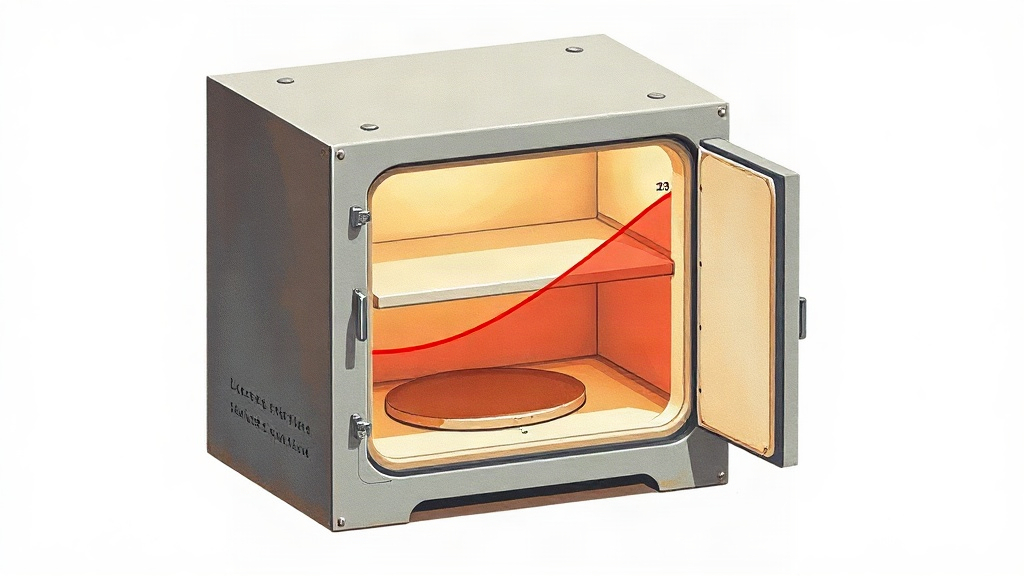
On the shelf
Four rows of studio work
-
01
journal · status
Journal of protocols
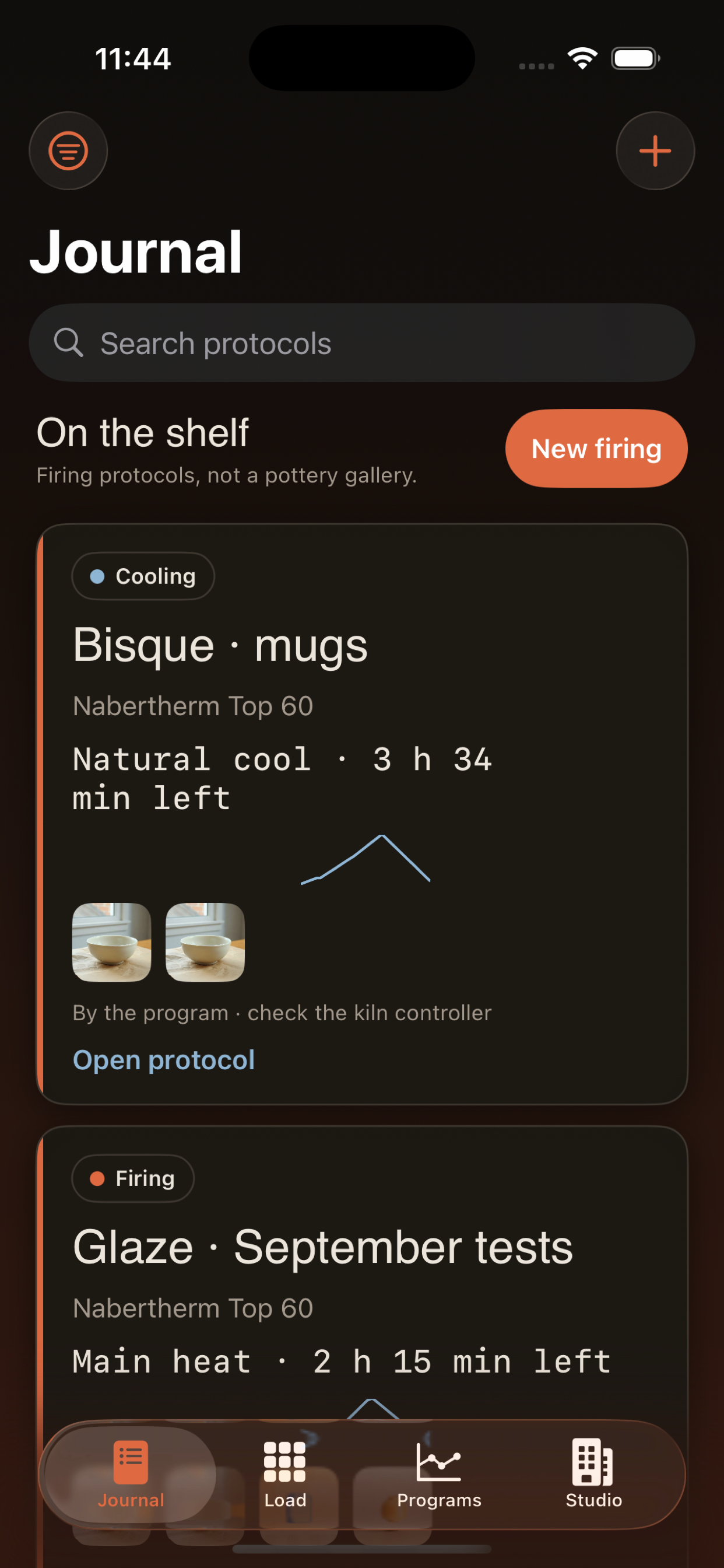
Every firing is a written protocol — draft, active, cooling, ready to unload — with search and filters. It is a log of schedules, not a gallery of pots.
-
02
shelves · photos
Load map and pieces
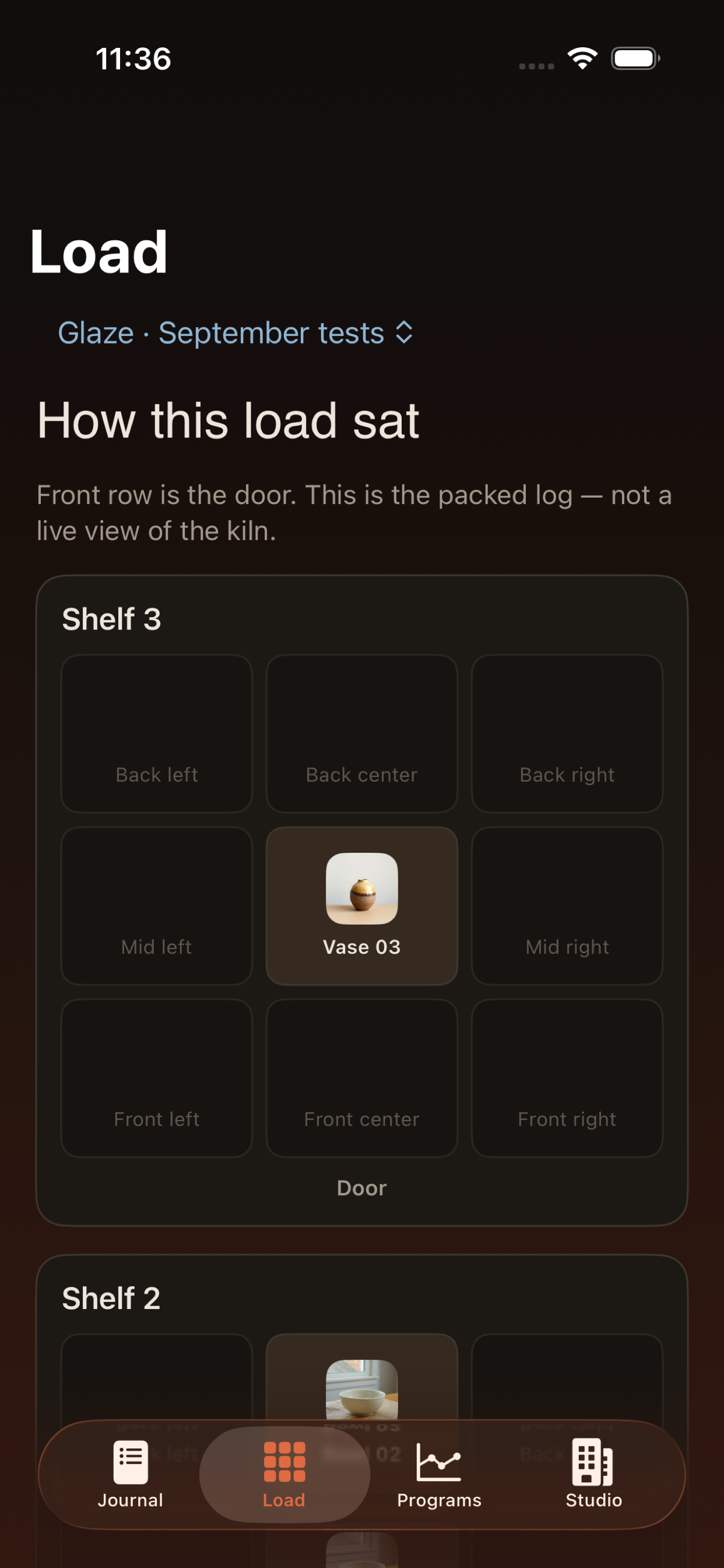
Place work on shelves before you close the lid. Attach clay, glaze, cone, and before/after photos to each piece in the batch.
-
03
cone · ramp
Programs you reuse
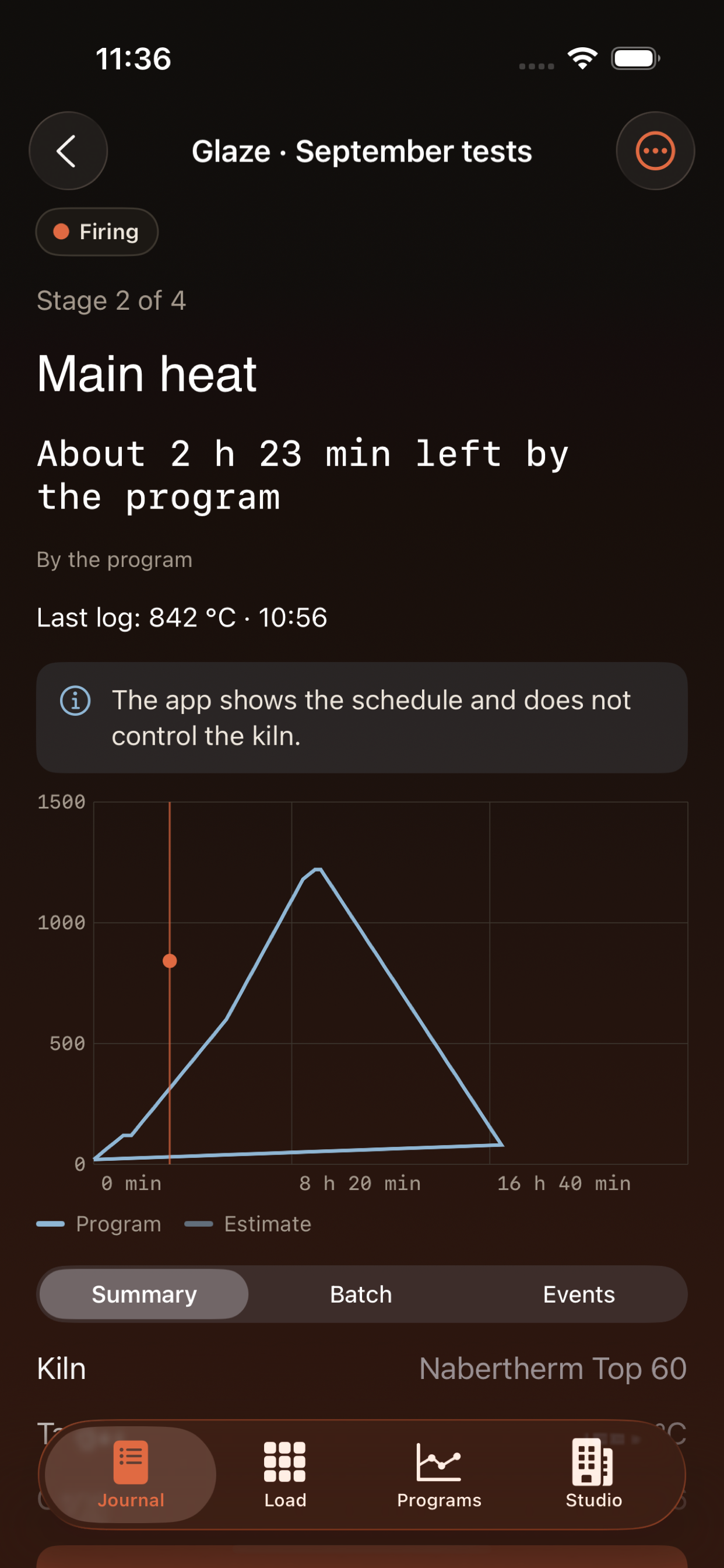
Save heat, hold, and cool stages with cone labels. Starter templates and your own curves stay ready for the next kiln run.
-
04
schedule · log
By the program, not live
Elapsed time follows the written curve. KillnLog does not read thermocouples and does not control kiln hardware.
In the studio
From journal to unload
Privacy Policy
Effective date: 10 September 2026
KillnLog is a personal studio ledger for ceramic firing protocols. It is not a kiln controller and does not connect to kiln hardware, thermocouples, or any remote firing service.
Studio records you create — kiln profiles, clay and glaze lists, programs, firing protocols, load maps, temperature marks, and photos you attach to pieces — are stored on your device. We do not operate a KillnLog account system and we do not sync this ledger to our servers.
If you allow notifications, the app may remind you about stages you scheduled. Permission is requested only after you opt in during studio setup, not at first launch. You can turn reminders off in iOS Settings.
Camera and photo library access are used only when you choose to photograph a piece or pick an existing image. Images stay with the protocol on the device unless you export them yourself.
If you write to the support address below, we use that message — and any details you include — solely to answer your request. We do not sell studio data.
Questions about this policy: calebballin@atomicmail.io
Support
Questions about KillnLog, a firing protocol screen, or this page? Email us with your iOS version and a short note about what you were doing in the studio log.